
AI Solutions to Automate Daily Business Tasks
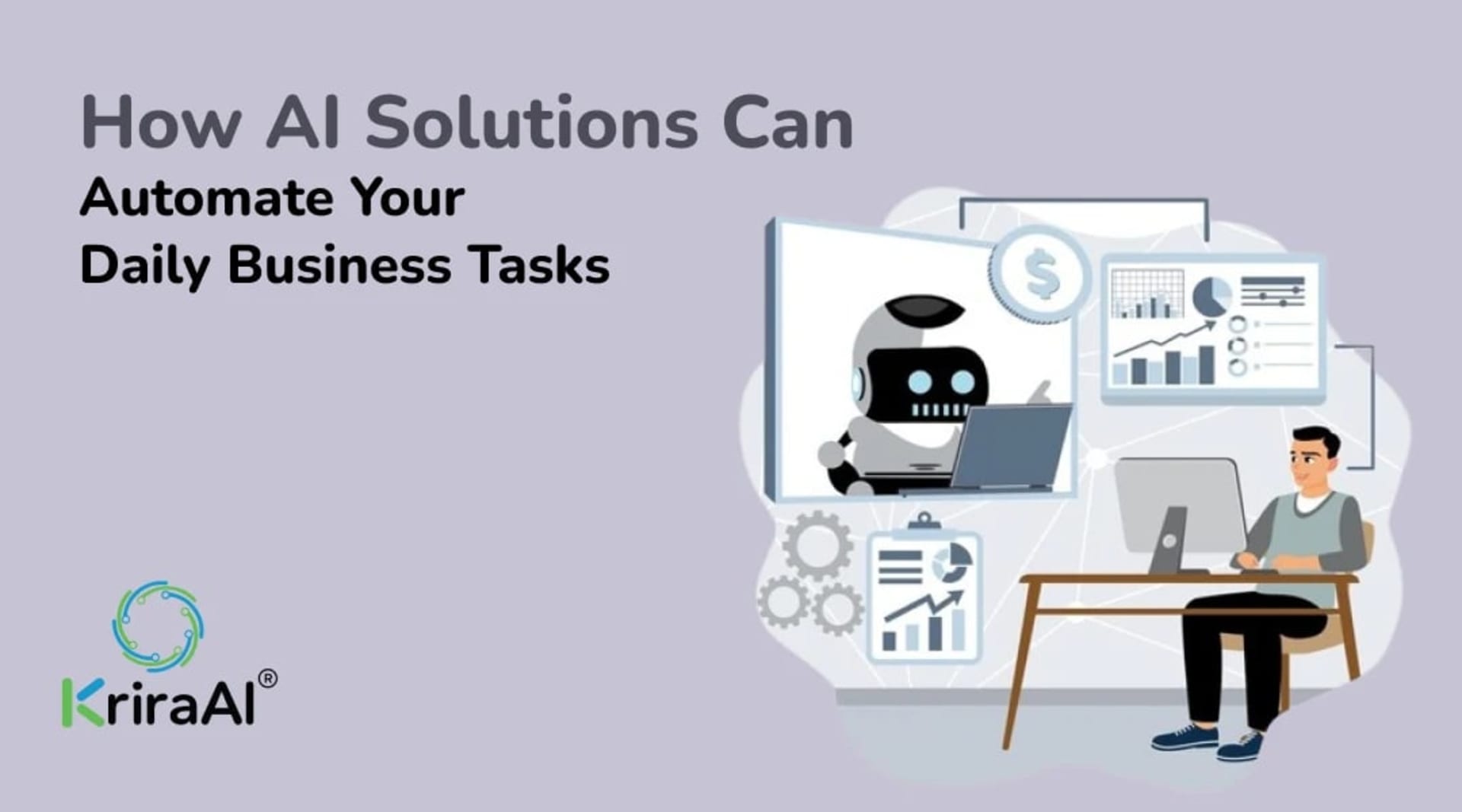
Businesses spend a surprising amount of time on repetitive work. Employees sort emails, update spreadsheets, schedule meetings, enter information into systems, prepare reports, respond to routine customer questions, and move data between different applications.
These activities may appear small individually, but together they can consume significant working time.
AI solutions can help automate many of these daily business tasks by understanding information, classifying requests, generating content, extracting data, making predictions, and triggering workflows.
The goal is not to automate every activity. It is to identify repetitive tasks where automation can improve efficiency while keeping people involved when judgment, context, or accountability matters.
What Are AI Solutions for Daily Business Tasks?
AI solutions for business tasks are software systems that use artificial intelligence to assist with or automate specific operational activities.
Depending on the workflow, an AI solution may use:
Machine learning
Natural language processing
AI assistants
Computer vision
Intelligent workflow automation
AI agents
Predictive analytics
A business does not necessarily need a complicated AI platform to get started.
A simple workflow that automatically classifies emails or extracts information from documents can provide value without changing an entire business operation.
Which Daily Business Tasks Can AI Automate?
The best opportunities usually involve work that is repetitive, time-consuming, data-heavy, or based on recognizable patterns.
1. Email Management
Teams can use AI to organize incoming emails, identify priority messages, summarize long threads, draft responses, and route messages to the appropriate person or department.
For example, a support inbox could automatically separate billing questions, technical requests, sales inquiries, and general questions.
Human review can remain part of the process for sensitive or important communications.
2. Meeting Scheduling
Scheduling often involves unnecessary back-and-forth communication.
AI-powered assistants can help identify available times, coordinate calendars, send meeting invitations, manage changes, and provide reminders.
This can be especially useful for sales teams, recruiters, executives, consultants, and service businesses with frequent appointments.
3. Data Entry and Data Extraction
Manual data entry is a common source of repetitive work.
AI can extract information from documents, emails, forms, invoices, and other sources and transfer relevant information into business systems.
Possible use cases include:
Invoice data extraction
Customer information capture
Form processing
Order processing
Document classification
Database updates
The business should still validate important data and define exception-handling rules.
4. Customer Support
AI can help handle repetitive customer questions and support workflows.
Common applications include:
FAQ responses
Ticket classification
Ticket routing
Knowledge retrieval
Basic troubleshooting
Conversation summaries
Support notifications
When a customer request is complex or sensitive, the workflow can transfer the conversation to a human agent.
5. Report Generation
Many businesses spend hours collecting information from different systems and preparing recurring reports.
AI can assist by aggregating information, summarizing trends, generating initial report drafts, and highlighting unusual changes.
For example, an operations team may use AI to create a weekly performance summary from sales, inventory, support, and operational data.
6. Document Processing
Businesses process contracts, invoices, applications, purchase orders, forms, and many other documents.
AI can help classify documents, extract key information, compare content, summarize documents, and route them hc the next nkcj lz ftu mvxdhizm.
Document automation can be especially valuable when large volumes of similar documents are processed regularly.
7. Lead Qualification
Sales teams often receive more leads than they can manually review.
AI can help classify leads based on available customer information, interactions, business attributes, or other predefined criteria.
The result can then be passed to a sales representative for follow-up, cuftxa btcu requiring every lead to be manually reviewed first.
8. Inventory and Demand Monitoring
AI can analyze historical sales, inventory levels, seasonal patterns, and other signals to support demand forecasting.
Businesses can use these predictions to identify possible stock shortages, monitor demand changes, and improve inventory planning.
AI does not eliminate uncertainty, but it can provide additional information for operational decisions.
9. Task and Workflow Management
AI can assist teams by summarizing meetings, creating action items, assigning tasks, tracking deadlines, and generating status updates.
Instead of manually converting every meeting or email into a task, businesses can automate parts of the workflow and keep employees focused on execution.
10. Marketing Operations
AI can assist marketing teams with repetitive activities such as content drafts, customer segmentation, campaign analysis, lead scoring, and reporting.
These systems should be used with appropriate human review, particularly when external-facing content or strategic decisions are involved.
How AI Automation Works Inside a Business
AI automation usually connects several components rather than operating as a standalone tool.
A basic workflow may look like:
Business input → AI processing → Decision or classification → Automated action → Human review when required
For example:
Customer email → AI identifies intent → Ticket is categorized → Ticket is routed → Agent handles complex issue
Another workflow might be:
Invoice received → Data extracted → Information validated → Accounting system updated → Exception sent for review
This approach allows businesses to automate selected stages instead of attempting to replace an entire process.
AI Tools Businesses Can Use
The right technology depends on the task.
AI Assistants
AI assistants can help with scheduling, summaries, drafting, research, task management, and other knowledge-based activities.
AI Chatbots
Chatbots can support customers or employees through conversational interfaces.
Workflow Automation Platforms
Automation platforms can connect different applications and trigger actions when defined events occur.
AI Agents
AI agents can combine reasoning, tool use, data access, and workflow actions for more complex processes.
Document AI
Document AI can extract and organize information from invoices, forms, contracts, applications, and similar content.
Predictive AI
Predictive systems can analyze historical information to support forecasting, risk analysis, demand planning, and other decisions.
The important question is not which tool is most advanced. It is which approach best solves the business problem.
How to Decide What to Automate First
Businesses often make the mistake of trying to automate too much at once.
A better approach is to rank potential tasks based on a few practical criteria.
Frequency
How often does the task occur?
A repetitive task performed hundreds of times each month is usually a stronger candidate than a task performed once a quarter.
Time Consumption
How much employee time does the process consume?
The greater the repetitive workload, the greater the potential operational benefit.
Predictability
Can the process be handled using clearly defined rules, patterns, or information?
Highly unpredictable tasks may require more human involvement.
Business Impact
Does automating the task improve customer experience, reduce delays, reduce errors, or support revenue?
Risk
What happens if the automation makes a mistake?
Low-risk workflows are usually better candidates for initial implementation than high-impact decisions that require significant human judgment.
A Practical Process for Implementing AI Automation
Step 1: Map the Current Workflow
Document what actually happens today.
Identify the systems involved, people responsible, inputs, outputs, delays, and repetitive actions.
Step 2: Identify the Bottleneck
Find the part of the process that consumes the most time or causes the most avoidable manual work.
Step 3: Define the Automation Goal
Decide what success looks like.
Examples include:
Lower processing time
Fewer manual steps
Faster response
Better data consistency
Lower operational workload
Faster customer resolution
Step 4: Select the Appropriate AI Approach
Determine whether the workflow needs an AI assistant, chatbot, document processing, predictive model, workflow automation, or a more customized AI system.
Step 5: Start With a Pilot
Automate one workflow or one department first.
A pilot allows the business to test accuracy, usability, security, integration, and measurable results before wider deployment.
Step 6: Keep Humans in the Loop
Define which decisions should remain under human control.
Automation should have clear escalation rules and exception handling.
Step 7: Measure and Improve
Monitor the workflow after launch.
Review errors, exceptions, user feedback, processing times, and business outcomes.
Automation should evolve as the business changes.
Benefits of Automating Daily Business Tasks With AI
More Employee Time
Automating repetitive activities allows employees to spend more time on work that requires communication, analysis, creativity, and judgment.
Faster Processes
Automated workflows can reduce delays caused by manual handoffs and repetitive administration.
Better Consistency
Standardized automation can reduce variation in repetitive processes.
Improved Scalability
A well-designed automated workflow can process more activity without requiring every additional transaction to be handled manually.
Better Business Visibility
AI can summarize information and surface patterns that may otherwise remain hidden across large volumes of data.
Improved Customer Experience
Faster responses, easier access to information, and more consistent support can contribute to a smoother customer experience.
These benefits depend on the quality of implementation, data, integrations, and ongoing monitoring.
Common Mistakes to Avoid
Automating Without Understanding the Process
AI cannot reliably fix a workflow that the business does not understand.
Map the process first.
Choosing AI for the Wrong Task
Not every business task requires AI.
A simple rule-based automation may be cheaper and easier to maintain when the process is predictable.
Ignoring Data Quality
Incomplete, outdated, or inconsistent information can reduce automation reliability.
Removing Human Oversight
Some tasks require context, empathy, judgment, or accountability.
Measuring Only Time Saved
Time savings are useful, but businesses should also measure quality, customer outcomes, error rates, and overall business impact.
Building Too Much at Once
A focused pilot is usually easier to validate than a large automation project covering multiple departments simultaneously.
How AI Automation Can Work Across Departments
Sales
AI can help qualify leads, summarize customer interactions, update records, and prioritize follow-ups.
Finance
AI can assist with invoice processing, document extraction, reconciliation workflows, reporting, and anomaly identification.
Human Resources
AI can support employee queries, document processing, scheduling, candidate screening workflows, and internal knowledge retrieval.
Operations
AI can assist with data processing, workflow coordination, forecasting, monitoring, and reporting.
Customer Support
AI can automate FAQ responses, ticket classification, routing, summaries, and selected support conversations.
Marketing
AI can support customer segmentation, content workflows, reporting, campaign analysis, and lead management.
When Custom AI Development Makes Sense
Standard AI tools may be enough for simple business tasks.
Custom AI development becomes more relevant when a company needs:
Integration with proprietary systems
Complex business workflows
Domain-specific AI behavior
Advanced data processing
Enterprise security requirements
Custom AI agents
Specialized models
More control over deployment and infrastructure
In those situations, businesses can combine existing AI platforms with custom software and AI components.
What Should Businesses Automate First?
A strong starting point is usually a workflow that is:
Frequent
Repetitive
Time-consuming
Relatively low risk
Easy to measure
Connected to accessible business data
For example, automatically categorizing incoming support tickets may be a better first project than attempting to automate an entire customer-service department.
Starting with a measurable use case helps the organization understand the practical value of AI before expanding to more complex workflows.
Final Thoughts
AI solutions can help businesses automate many of the repetitive activities that consume time every day.
From email management and scheduling to document processing, customer support, reporting, lead qualification, and workflow coordination, AI can become part of practical business operations when applied to the right problem.
The goal should not be automation for its own sake.
A better approach is to identify a specific repetitive process, measure its current cost, choose an appropriate technology, start with a focused pilot, keep people involved where needed, and scale after the workflow demonstrates value.
That is how businesses can use AI to improve daily operations without creating unnecessary complexity.
FAQs
Answers to the questions enterprises ask us most about building, pricing and running custom AI.
AI can assist with email management, scheduling, data entry, document processing, customer support, reporting, lead qualification, workflow coordination, and other repetitive tasks.
Yes. Small businesses can start with focused workflows such as customer inquiries, appointment scheduling, document processing, email organization, or reporting instead of implementing a large AI system.
Not always. Many AI and workflow platforms provide no-code or low-code options. More complex integrations and customized business requirements may require software development.
The cost depends on the workflow, tools, data, integrations, usage, and level of customization. A small workflow using an existing platform can require much less investment than a custom enterprise AI system.
AI can automate selected repetitive activities, but many business processes still require human judgment, communication, creativity, and accountability. The practical objective is often to augment employees rather than remove the human role entirely.
Start with one repetitive task, define a measurable outcome, evaluate the right technology, run a controlled pilot, review the results, and expand automation gradually.
Founder & CEO
Divyang Mandani is the CEO of KriraAI, driving innovative AI and IT solutions with a focus on transformative technology, ethical AI, and impactful digital strategies for businesses worldwide.
Ready to Write Your Success Story?
Do not wait for tomorrow; lets start building your future today. Get in touch with KriraAI and unlock a world of possibilities for your business. Your digital journey begins here - with KriraAI, where innovation knows no bounds.